2 October 2026
Where to keep client testimonials so you can find them

Keep every client testimonial in one place, with the client's name, the project, the date and a link to where it was first written. Tag each one by client type and service. Then when a prospect asks for proof, you can pull the right ones in under a minute.
Collect what you already have
Start by finding it all. Check:
Your Google Business Profile reviews
LinkedIn recommendations
Feedback on any freelance platforms you've used
Your inbox, searching for "thank you", "really pleased", "great work" and "recommend"
Slack, WhatsApp and DMs, where clients tend to say the nicest things
Old proposals, case studies and end-of-project feedback forms
Screenshot anything that could disappear, and note the date. If you're unsure what's worth keeping, we've covered what counts as social proof for a freelancer.
What to record for each one
A testimonial with no context is hard to use later. For each one, keep:
The full quote, word for word
The name, role and company of whoever said it
The project it relates to
The date
Where it was first written, with a link or screenshot
Whether you have permission to use it publicly
The last two matter more than they look. UK advertising rules say you need permission to feature a testimonial in your marketing. They also say you should hold evidence that it's real, along with contact details for the person who gave it. CAP's advice on testimonials covers the detail. Keeping the original source protects you, and it's what makes the quote believable to a prospect.
Tag by the question a prospect will ask
The question behind every request for references is "have you done this for someone like me?" Tag each testimonial so you can answer it:
Client type, such as founder, marketing lead or agency
Industry
The service you delivered
The outcome they mention
When a SaaS founder asks for references, you filter by SaaS and send the two that fit. That beats sending everything and hoping they read it.
Where a spreadsheet stops being enough
A spreadsheet or a doc will hold all of this, and it's a fine place to start. It works well as a private library.
The trouble starts when a prospect asks to see your reviews, because you can't send them a spreadsheet. You end up copying quotes into an email or sending a handful of links, and they have no way to check any of it is real.
Platform profiles have the opposite problem. They're public, but they only show the reviews you earned on that platform. The email from a direct client and your Google reviews are missing, and the profile stays behind if you stop using the platform.
Give your proof a public home
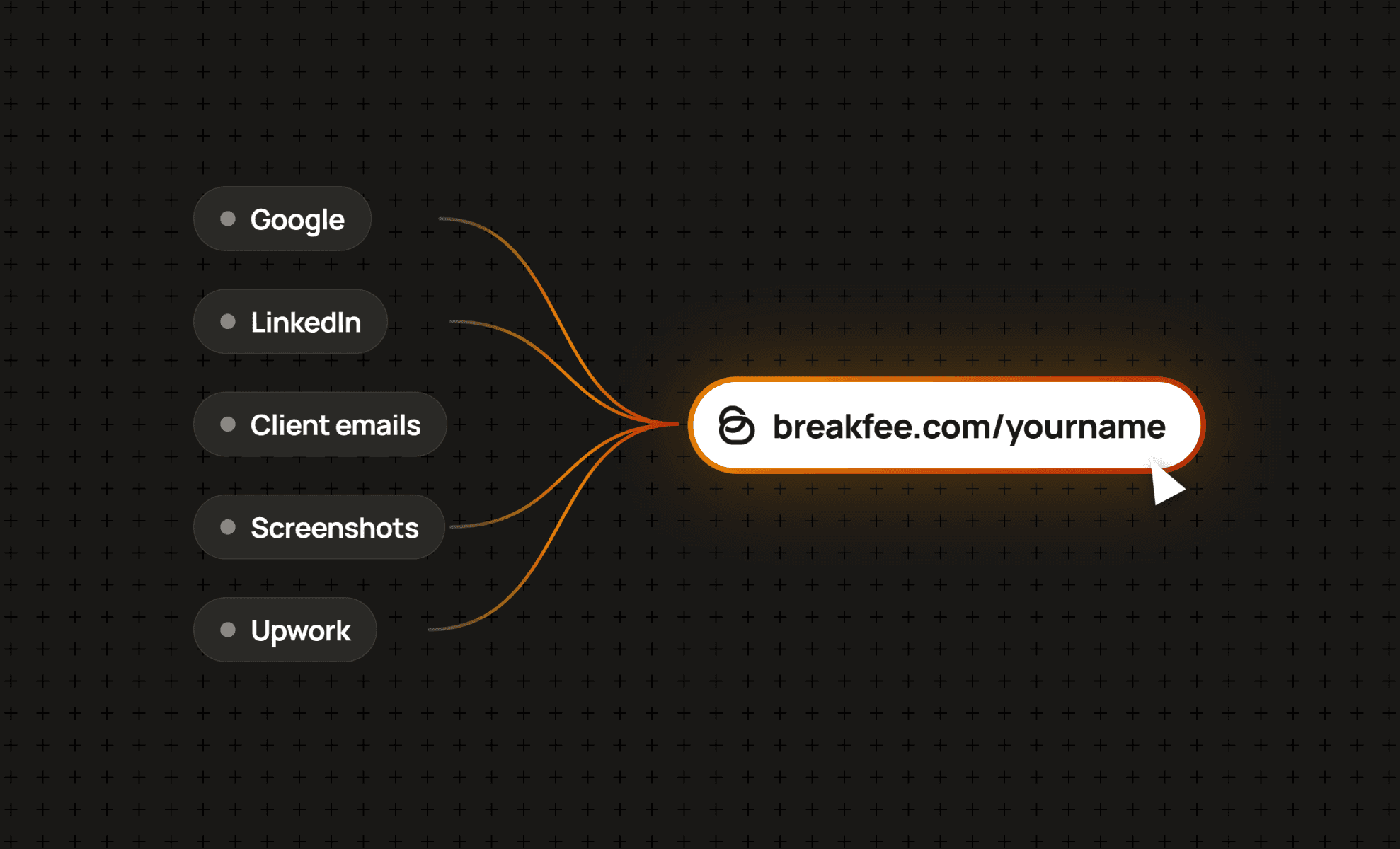
We built BreakFee for this job. Import your Google reviews, add testimonials from anywhere else, and tag them by client type, industry or project. Testimonials you add manually are checked against the original source before they appear, so a prospect can trust what they're reading.
You get one profile link for proposals, LinkedIn, outreach and your email signature. Your profile is also listed in the BreakFee Directory, where clients can search by skill, industry and location.
The free plan covers the profile, the directory listing and five manual submissions a month. That's enough to get your five strongest testimonials in on day one.
Keep it current
Set a reminder for the first Monday of each month. Spend ten minutes adding anything new and checking whether a recent client is due an ask. If one is, these review request templates make it easier.
The next time someone asks if you've got references, your answer is one link. Create your free BreakFee profile.